





From Beginner to Pro: A 3-Month Video Editing Learning Roadmap
Last updated on Sep 12, 2026


.webp)
Introduction
"Can I actually get good enough to freelance or get hired in just a few months?" is one of the most common questions aspiring editors ask us at TGC Jaipur — and increasingly, the answer is yes. Jaipur's creative economy has grown well beyond tourism and wedding videography. D2C brands, YouTube creators, real estate agencies, and social media marketing firms across the city are actively hiring editors, and many are genuinely willing to take on trained beginners with a solid portfolio over "experienced" editors who bring nothing but stale, generic work.
But getting there in three months requires a deliberate structure, not random YouTube tutorials watched in whatever order they show up in your feed. Video editing is a skill built in layers: technical fluency first, then creative judgment, then specialization. Skip a layer, and you end up with gaps that show up the moment a client or employer in Jaipur's increasingly competitive freelance market asks for something beyond the basics.
This roadmap breaks the journey into three clear phases — spanning roughly three months — so you always know exactly what to work on next, and why.
Setting Yourself Up Before Day One
Before jumping into lessons, get these basics sorted:
- Choose one editing software and commit to it. Adobe Premiere Pro is the industry standard most Jaipur agencies and studios expect; DaVinci Resolve is a strong free alternative with powerful color tools built in
- Gather practice footage. Free stock footage sites work, but even better: shoot your own footage around the city — Amer Fort at golden hour, Jaipur's markets, a friend's small business, or a local event. Editing footage tied to real places you know makes early practice far more engaging, and gives you Jaipur-relevant material for a future local portfolio
- Block consistent time. Even 60–90 focused minutes daily will outperform occasional 5-hour weekend binges, because editing skill compounds through repetition
Phase 1 (Weeks 1–4): Technical Fluency
The goal of Phase 1 isn't creativity — it's making the software feel like an extension of your hands. You shouldn't be thinking about where a button is; you should be thinking about what the story needs.
What to master in this phase:
- Importing, organizing, and managing media efficiently (bins, folders, proxies)
- The timeline: trimming, splitting, ripple/roll edits, and basic transitions
- Syncing audio to video and setting correct levels
- Exporting in the right format and resolution for different platforms
Practical exercise: Take 10–15 minutes of raw, unedited footage (an event, an interview, or B-roll) and cut it down to a clean, watchable 2–3 minute video. Don't worry about it being impressive — worry about it being technically clean: no jump cuts you didn't intend, audio that syncs properly, and consistent export settings.
How you'll know you're ready to move on: You can open a new project and start editing without pausing to look up basic commands. The software has stopped feeling like an obstacle.
Phase 2 (Weeks 5–8): Creative Judgment
This is where editing starts becoming a craft rather than a mechanical process. You're no longer just cutting clips together — you're shaping how a story feels.
What to master in this phase:
- Pacing and rhythm — cutting on action, cutting to music, and controlling the emotional tempo of a scene
- Color correction and grading — fixing exposure and white balance first, then developing a consistent visual mood across a project
- Sound design fundamentals — layering music, effects, and dialogue so the audio feels intentional, not accidental
- Multi-camera editing — syncing and switching between angles smoothly, a skill heavily used in interviews, events, and music videos
Practical exercise: Edit a short piece with a deliberate creative goal — for example, a 60-second highlight reel cut tightly to a music track, or a mock brand ad with a consistent color grade. The key constraint: everything in the edit should serve a specific mood or message, not just "look okay."
How you'll know you're ready to move on: You can explain why you made specific cuts and color choices — not just that they "felt right," but what effect you were going for.
Phase 3 (Weeks 9–12): Specialization and Portfolio
The final phase is about narrowing your focus and producing the work that will actually get you hired or booked as a freelancer — because generic skills rarely win clients; a strong, focused portfolio does.
What to master in this phase:
- Motion graphics basics — simple animated titles, callouts, and keyframed elements that elevate a project's polish
- Platform-specific editing — understanding how pacing and framing differ between YouTube long-form, Instagram Reels, and traditional 16:9 video
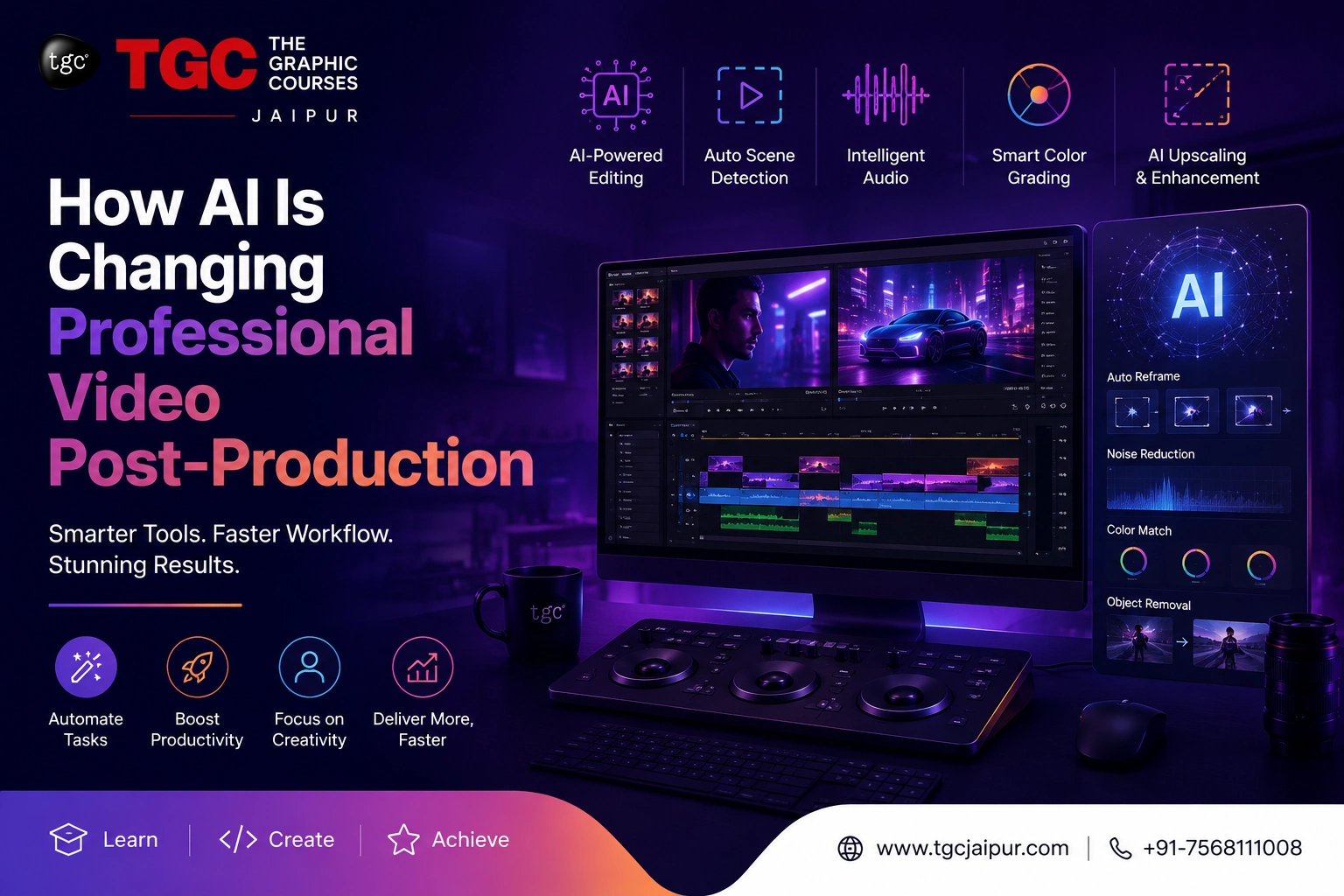
- AI-assisted editing workflows — automatic transcription, scene detection, and AI-powered rough cuts that professional editors increasingly use to speed up real projects
- A focused specialization — choosing a lane (wedding films, YouTube content, corporate/ad work, or social media editing) rather than trying to be everything to everyone
Practical exercise: Produce one complete, polished project from start to finish — ideally something that reflects the niche you want to work in. This becomes the centerpiece of your portfolio, the piece you show first to any potential client or employer.
How you'll know you've made it through the roadmap: You have at least one project you're genuinely proud to put your name on, and you understand why it works — technically and creatively.
A Simple Way to Track Your Progress
| Phase | Weeks | Core Focus | Output |
|---|---|---|---|
| Phase 1 | 1–4 | Technical fluency with your chosen software | A technically clean, basic edit |
| Phase 2 | 5–8 | Pacing, color, sound, multi-cam | A creatively intentional short piece |
| Phase 3 | 9–12 | Motion graphics, specialization, AI tools | A polished portfolio centerpiece |
Mistakes That Quietly Slow This Timeline Down
- Software-hopping — switching between Premiere Pro, DaVinci Resolve, and Final Cut Pro before mastering any one of them resets your learning curve every time
- Ignoring audio — beginners obsess over visuals while neglecting sound, even though bad audio is often the fastest way to make an edit feel unprofessional
- Perfectionism over completion — many beginners never finish projects because they keep chasing an impossible "perfect" cut, which means they never build an actual portfolio
- Editing in a vacuum — without outside feedback, it's easy to repeat the same mistakes for months without realizing it
Where Video Editors Actually Find Work in Jaipur
Understanding the local market helps you choose a specialization that has real, nearby demand — not just theoretical appeal:
| Local Opportunity | What They Need | Why It's Growing in Jaipur |
|---|---|---|
| Wedding & Event Videography | Cinematic highlight reels, same-day edits, drone footage integration | Jaipur remains one of India's biggest destination wedding hubs |
| Real Estate & Hospitality | Property walkthroughs, hotel promo videos | Jaipur's booming tourism and real estate sectors need constant visual content |
| D2C & Local Brands | Product videos, Instagram Reels, ad creatives | E-commerce brands based in or shipping from Jaipur need ongoing content |
| YouTube Creators & Influencers | Long-form editing, thumbnails, channel consistency | A growing local creator community across food, travel, and lifestyle niches |
| Digital Marketing Agencies | Social media video content, client ad campaigns | Agencies in Jaipur increasingly need in-house or freelance editors |
A practical tip: Jaipur's wedding and event season (typically October through February) creates a surge in demand for editors who can turn around cinematic highlight reels quickly. If you complete your roadmap before or during this window, it's one of the fastest ways to land paid freelance work while still building your portfolio.
Many editors in Jaipur also work partly remote — taking on projects for D2C brands and YouTube creators outside Rajasthan once their portfolio is strong enough, which meaningfully expands earning potential beyond the local market alone.
Why Guided Training Compresses This Timeline
This roadmap works — but the biggest obstacle most self-taught editors face isn't motivation, it's not knowing what's actually wrong with their own work. Structured feedback from someone with industry experience is often the difference between three months of steady progress and three months of confused trial and error.
TGC Jaipur's Video Editing with AI Course follows this exact progression — building technical fluency in Premiere Pro and DaVinci Resolve first, then layering in color grading, sound design, and motion graphics, with AI-powered editing workflows integrated throughout. Students receive direct feedback on real projects from experienced trainers, along with mock interviews and placement support to help transition straight from training into paid editing work.
For students who want to go deeper into one specific platform after building the fundamentals, TGC Jaipur's Adobe Premiere Pro course covers advanced, platform-specific techniques in detail. Students in specific parts of the city can also join the same hands-on program through location-based batches, including the Video Editing Course in Vaishali Nagar, Raja Park, and Tilak Nagar, with flexible batch timings.
Final Thoughts
Three months is genuinely enough time to go from a complete beginner to a capable, portfolio-ready video editor — but only with a deliberate, phased approach. Master the software first, develop real creative judgment second, then specialize and build a portfolio piece that actually reflects the work you want to be hired for. Skip the phases, and you'll spend far longer than three months patching gaps you didn't know you had.
Ready to fast-track your video editing journey with expert guidance? Explore TGC Jaipur's Video Editing course and build a job-ready portfolio through hands-on, mentor-led training.
Recently Added Articles


 Book A Free Demo
  7568111008
 Apply Now


 Please select course category