





Top AI Tools Transforming UI/UX Design in 2026: A Designer's Guide
Last updated on Sep 10, 2026


Introduction
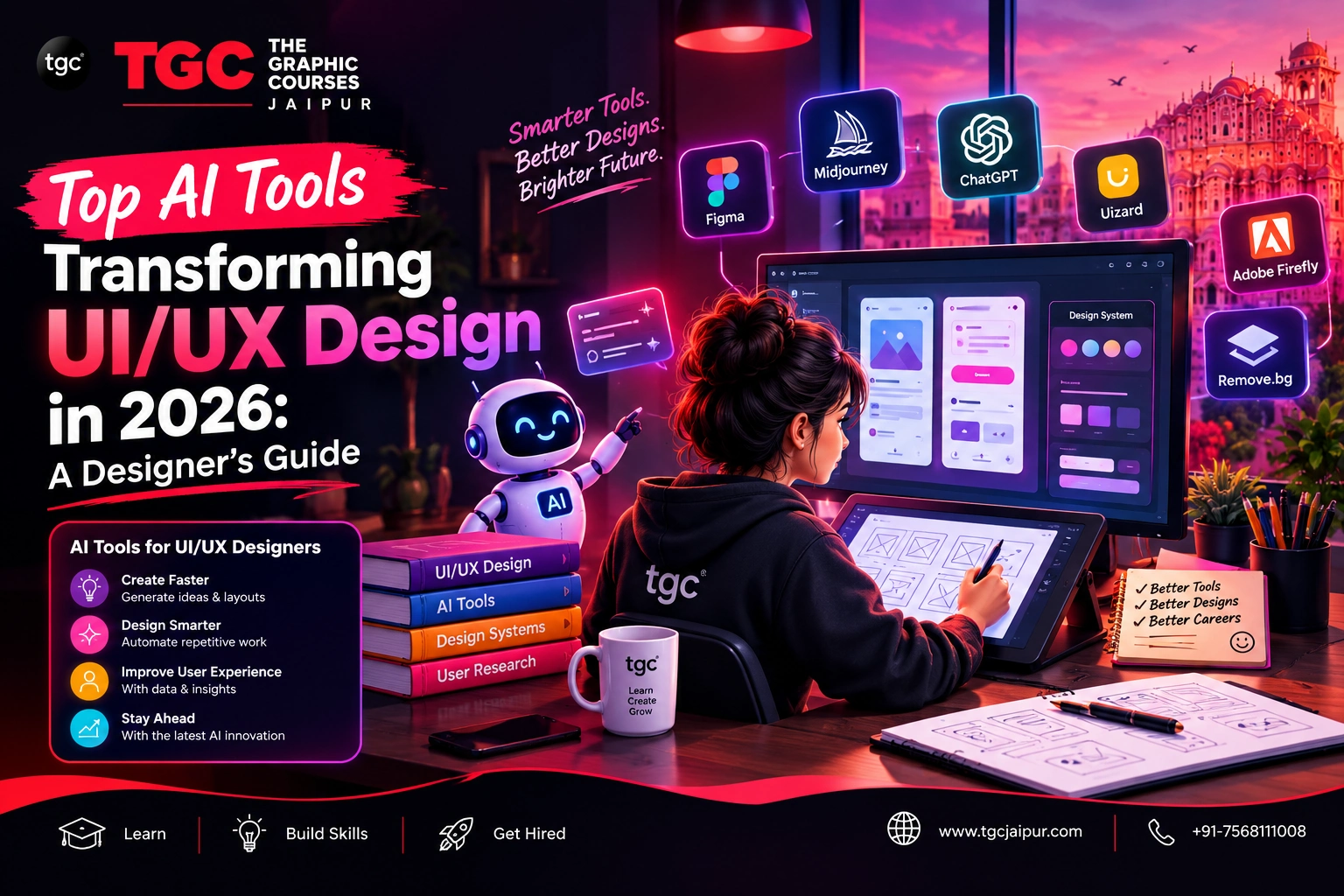
Open Figma today and you'll notice something that wasn't there two years ago: AI suggestions quietly running alongside your canvas, offering layout ideas, generating copy, and even building interactive prototypes from a simple description. UI/UX design in 2026 doesn't look like a completely different discipline — but how designers work within it has changed dramatically.
For working designers and students alike, the real question isn't whether to use AI — it's which tools genuinely make you better and faster, and which are just hype. This guide walks through the AI tools actually reshaping UI/UX design workflows in 2026, and how to use them without letting them replace your own design judgment.
The Shift: From Manual Production to AI-Assisted Iteration
The biggest change AI has brought to UI/UX design isn't a single tool — it's a shift in where designers spend their time. Instead of manually building every wireframe screen or writing every line of placeholder text, designers increasingly start with an AI-generated draft and spend their energy refining, testing, and making strategic decisions on top of it.
This matters because it changes what makes a designer valuable. Speed alone is no longer a differentiator — AI has made speed accessible to everyone. What separates strong designers now is judgment: knowing which AI suggestion to keep, which to discard, and why.
Figma AI: The Design Tool Most Designers Already Use
Figma remains the industry's dominant design platform, and its built-in AI features have become the entry point for most designers into AI-assisted design work:
- Layout and component suggestions based on the content and context of your design
- AI-generated design variations — quickly producing alternate layouts or component states to compare
- Auto-fill content — replacing generic placeholder text and images with more realistic, context-appropriate content
- Smart component recognition — identifying repeated patterns and suggesting reusable components automatically
Because Figma is already the tool most design teams collaborate in, its AI features have the lowest adoption barrier — most designers are using some version of AI-assisted design without even labeling it that way.
Text-to-UI Generators: From Prompt to Prototype
One of the more dramatic shifts in 2026 is the rise of tools that generate entire UI screens from a written description. Tools like Uizard and similar text-to-design platforms let designers:
- Type a description like "a food delivery app home screen with search, categories, and a cart icon" and receive a rough layout instantly
- Convert hand-drawn sketches into digital wireframes automatically
- Rapidly generate multiple layout concepts for early-stage client presentations or stakeholder buy-in
These tools are especially valuable in the earliest stages of a project — turning a blank canvas problem into a "which direction do we refine" problem, which is a much easier starting point for both designers and clients.
AI-Powered Prototyping and Interaction Tools
Once wireframes are approved, AI is increasingly speeding up the prototyping phase too:
- Framer's AI-assisted, code-based prototyping — bridging the gap between design and functional, near-production-ready interfaces
- Smart transition and micro-interaction suggestions — recommending realistic animations and state changes based on common UX patterns
- Auto-generated clickable prototypes — converting static screens into interactive flows without manual linking of every screen
This has meaningfully reduced the time between "concept" and "testable prototype" — a shift that's especially valuable for startups and agencies working on tight client timelines.
AI for User Research and Testing
Research has traditionally been one of the slowest parts of the UX process. AI tools are now compressing it significantly:
| AI Capability | What It Solves |
|---|---|
| Automated feedback theme detection | Surfaces patterns across dozens or hundreds of user comments instantly |
| AI-assisted usability session analysis | Flags where users hesitate, backtrack, or abandon a flow in recorded tests |
| Draft persona generation | Builds a starting-point user persona from research data for designers to refine |
| Predictive heatmaps | Estimates likely attention areas on a design before it's even tested with real users |
None of these tools replace talking to real users — but they help designers process research data faster, so more time goes toward acting on insights rather than manually sorting through them.
AI-Assisted Copywriting for Interfaces
Microcopy — button labels, error messages, onboarding text — is a small but crucial design detail, and AI has made drafting it significantly faster:
- Generating realistic placeholder copy that matches the actual tone of a product, instead of generic filler text
- Drafting multiple microcopy variations for A/B testing (e.g., different call-to-action phrasing)
- Flagging inconsistent tone or terminology across a design system
Designers still need to apply real brand voice and context to finalize this copy — but starting from an AI draft is far faster than starting from a blank field every time.
Design-to-Code: Where AI Adds the Most Practical Value
For many teams, the single most valuable AI application in 2026 sits at the handoff between design and development:
- AI-generated front-end code from Figma files — producing usable HTML/CSS or React component starting points
- Automated developer annotations — generating spacing, sizing, and style specs without manual measurement
- Design token syncing — keeping design system values and actual code in sync as designs evolve
This doesn't eliminate the need for developers to review and refine the generated code — but it meaningfully reduces the friction and back-and-forth that used to slow down design-to-development handoff.
AI for Accessibility: Catching Issues Before Users Do
Accessibility is now a baseline design expectation, not an optional add-on — and AI tools are making it far easier to check:
- Automated color contrast and readability analysis
- Screen-reader flow simulation to preview how assistive technology users will experience a design
- Suggestions for alt text, focus states, and keyboard navigation improvements
For designers without specialized accessibility training, these tools provide a genuinely useful safety net, catching common issues before they reach real users.
Where AI Still Falls Short — And Why That's Good News for Designers
Despite everything AI can now do, certain parts of UI/UX design remain firmly in human hands:
- Understanding why a user struggles, not just where — AI can flag friction points, but interpreting the underlying cause still requires human empathy and context
- Strategic product thinking — aligning a design decision with a broader business goal requires judgment AI doesn't have access to
- Distinctive creative direction — AI is excellent at variations on existing patterns, but genuinely original design language still comes from human creativity
- Recognizing manipulative design patterns — AI won't reliably flag when a flow crosses into "dark pattern" territory; that's an ethical judgment call for the designer
This is precisely why the most valuable designers in 2026 aren't the ones avoiding AI, nor the ones blindly accepting every AI suggestion — they're the ones using AI as a fast, capable assistant while keeping the actual design thinking firmly in their own hands.
Building AI-Ready UI/UX Skills the Right Way
For anyone building or advancing a UI/UX career today, the sequence matters:
- Learn core UX principles first — usability heuristics, information architecture, and user psychology remain the foundation every AI tool builds on top of
- Get fluent in Figma and Adobe XD — understand these tools' native workflows before layering in AI features, so you can judge AI suggestions critically rather than accepting them blindly
- Practice with AI tools deliberately — use them for wireframe drafts, copy variations, and design-to-code handoff, while keeping strategic and creative decisions in your own hands
- Build a portfolio that shows your thinking — case studies that explain why you made specific design decisions will always matter more than polished visuals alone, AI-assisted or not
This is exactly the approach behind TGC Jaipur's AI-Integrated UI/UX Design Course, which blends hands-on training in Figma, Adobe XD, Sketch, and InVision with AI-powered design tools and workflows — helping students build interactive websites, mobile apps, and digital products with strong usability, modern aesthetics, and genuine job-readiness.
Students who want a broader design foundation before specializing can also explore TGC Jaipur's Web Designing Course, which covers HTML, CSS, responsive design, and core UI/UX principles using the same industry-standard tools — a strong starting point for those unsure whether to specialize in UI/UX or full web design first.
Final Thoughts
AI hasn't replaced UI/UX designers in 2026 — it's replaced the slowest, most repetitive parts of the job. From Figma's built-in AI suggestions to text-to-UI generators, AI-assisted prototyping, and design-to-code handoff, today's designers have more speed at their fingertips than ever before. But speed was never the hardest part of good design — understanding real users, making strategic decisions, and applying genuine creative judgment still is. The designers who master both — AI fluency and strong design fundamentals — are the ones building the most future-proof careers in this field.
Ready to build AI-ready UI/UX design skills? Explore TGC Jaipur's UI/UX Design course and get hands-on training with Figma, Adobe XD, and the AI-powered workflows shaping the industry's future.
Recently Added Articles


.webp)






 Book A Free Demo
  7568111008
 Apply Now


 Please select course category